AND
YOU ARE NOT ALLOWED TO COPY DOWNLOAD LINK OF THIS SITE TO ANY SITE OR FORUM
(You can still give address of this website or address of pages to anyone or to anypage)

WE HAVE MOVED TO HERE : http://hdplus-a190-rx2-customroms.blogspot.in/
WE HAVE MOVED TO HERE :


GO HERE FOR NEW ROMS :
http://hdplus-a190-rx2-customroms.blogspot.in/

Saturday, 25 April 2015

13mp camera for micromax A190 And walton Rx2

[MOD]Camera Mod  For A190 And RX2(Not for Rx2 Stock)

Features

1. 13mp back camera
2. 5mp front camera
3. Better compatibility with FLASH (compared to A190 )
Notes:
1.this will not change camera application
2.It is best  in OUTDOORS,IN light (compared to A190)
3.Make sure you enabled flash in dark

Download LINK 1: http://j.gs/5dDL

Download LINK 2:http://j.gs/5dDM

PROCEDURE

1.Go to CWM Recovery
2.choose "Install zip from sd card".
3.choose downloaded zip file
4.conform...when finished reboot and enjoy


DO EVERYTHING AT YOUR OWN RISK...I WONT TAKE RESPONSIBILITY FOR ANYTHING HERE IN THIS BLOG

PROOF


Saturday, 11 April 2015

Pure lollipop rom for Micromax canvas Hd plus and watson rx2

Pure lollipop rom for canvas Hd Plus a190 ( mt6591) and watson rx2


Features
lollipop ui
dobly support coming soon....
xposed,greenify integrated
lollipop easteregg
and much more
2 lollipop launchers

ROM HAS SOME BUGS,SO beware

Procedure:

1.install cwm recovery if you havent from here http://j.gs/5RwL
2.Goto recovery by pressing volm up and power butter when mob is off
3.click and conform 'wipe factory reset'
4.click 'advanced' :then click 'wipe davlink cache and battery stats'
5.click 'mount and storage' and format 'system'
6.choose 'install zip from sd card' and  select downloaded file
7.wait upto 10 min
8.reboot and enjoy


Link: http://j.gs/5XpU


Screen shots


Thursday, 9 April 2015

Guide TO PORT MT6591 Roms

[Guide]{port roms}
1.you must know how to unpact and repack boot.img for some roms
2.Doesnt matter mt6591 or mt6592(some) as port rom
3.AT YOUR OWM RISK
4.Big Thanks to Ahmad Rifai
......................................................................................

*Lets call the rom working on your device as 'base rom' And the rom you want to port to your device as   'port rom'
*base and port rom must be of same android version ....like 4.4.2 to 4.4.2.....
*This mwthod works for mt6592 roms


Procedure
.......................................................................................
BASE to PORT !!!!!
copy / replace from based to port
bin/ccci_fsd
bin/ccci_mdinit
bin/boot_logo_updater
bin/factory
bin/rt.sh
bin/sutemp
bin/sysinit
bin/uafs
bin/vold
bin/wmdsi
bin/wpa_supplicant
remove etc/firmware and etc/mddb from port
copy from based to port
etc/firmware ===== all
etc/init.d
etc/mddb
etc/permissions/android.hardware.camera.xml
etc/permissions/handheld_core_hardware.xml
etc/permissions/platform.xml
etc/agps_profiles_conf.xml
etc/factory.ini
etc/install-recovery.sh
etc/recovery-resource.dat
lib/egl ========= all
lib/hw ========== all
lib/libaudio.primary.default.so
lib/libaudiocompensationfilter.so
lib/libaudiocustparam.so
lib/libaudioflinger.so
lib/libcam.paramsmgr.so
lib/libcamdrv.so
lib/libcameracustom.so
lib/libEGL.so
lib/libdpframework.so
lib/libhwm.so
lib/libhardware_legacy.so
lib/libipod.so
lib/libsync.so
lib/libMali.so
lib/libshowlogo.so
lib/libvcodecdrv.so
lib/libsensorservice.so
vendor ========= all
xbin =========== all
.................................................................................
if bootloop unpack and repack boot.img....
.....................................................................................
.......................................................................................

,.................................
1.open metainf of port romROM rom and open updater script with notepad++ in subfolders
And edit mmcblk0px(where 0<=x>=10 ) line as follows
If that line contains 'data 'replace x with 7(For canavs a190 and primo rx2)
And if it is 'system' replace x with 5 (For canavs a190 and primo rx2)
Now save the file
If some error about boor ing is shown on recovery during flashing delete lines corresponding to bootimg from
Updater script and flash ported boot.img(see 2 below) if stock boot IMG doesn't works
2.some heavily modified rom requires boot imgs to be repacked ..for that use android kitchen from XDA
..,.........
If rom is stuck on bootanimation...unpack boot.IMG files of stock and port ROM.....open int.rc files of both in unpacked folders and replace 'bootclasspath' line from port unpacks into.rc file to stock into.rc file..then repack stock boot.IMG (don't do anything else)....if it shows some error in flashing boot.IMG in recovery...flash boot.IMG file via so flash tools

Wednesday, 8 April 2015

MIUI Rom For Micromax canvas hd plus a190 and primo rx2

[ROM][Mui][Ported from Canvas Nitro (mt6592)]
.................................................
I NEED REVIEW OF CAMERA APP,SO COMMENT AFTER USING MIUI CAMERA
..................................................
Features
...................................................
1.brighteness adjustable option in camera(even during video recording)
2.well build apps
3.nice ui
4.mui v6
5.See screen shots for more features
....................................................................
Bugs/whats not works
.............................................................
1.thememanager
2.updater
3.usb mass storage prob(i will fix it after a week as an update.zip)
........................................................................................
you need to insatll google apps(like playstore etc)

Download gapps from here(not rom,flashable via recovery like rom)http://j.gs/5Wma
..............................................................
LINK:Uploading only


IMPORTANT
........................
After flashing this rom you may need to flash stock boot.img (or stock rom) to install g3/hiveui/lollikat /xolo rom

Procedure:

1.install cwm recovery if you havent from here http://j.gs/5RwL
2.Goto recovery by pressing volm up and power butter when mob is off
3.click and conform 'wipe factory reset'
4.click 'advanced' :then click 'wipe davlink cache and battery stats'
5.click 'mount and storage' and format 'system'
6.choose 'install zip from sd card' and  select downloaded file
7.wait
8.reboot and enjoy

Link: http://j.gs/5WlP

Screenshots
(click each to see clearly)


Wednesday, 1 April 2015

G3 custom rom for Canvas A190 and primo Rx2

G3 custom rom for Canvas A190 and primo Rx2


Features

->Awsome ui
->BEST CAMERA EVER
->smooth
->fast
->512mb swap ram (total 1.5 gb ram)
->amazingly smooth
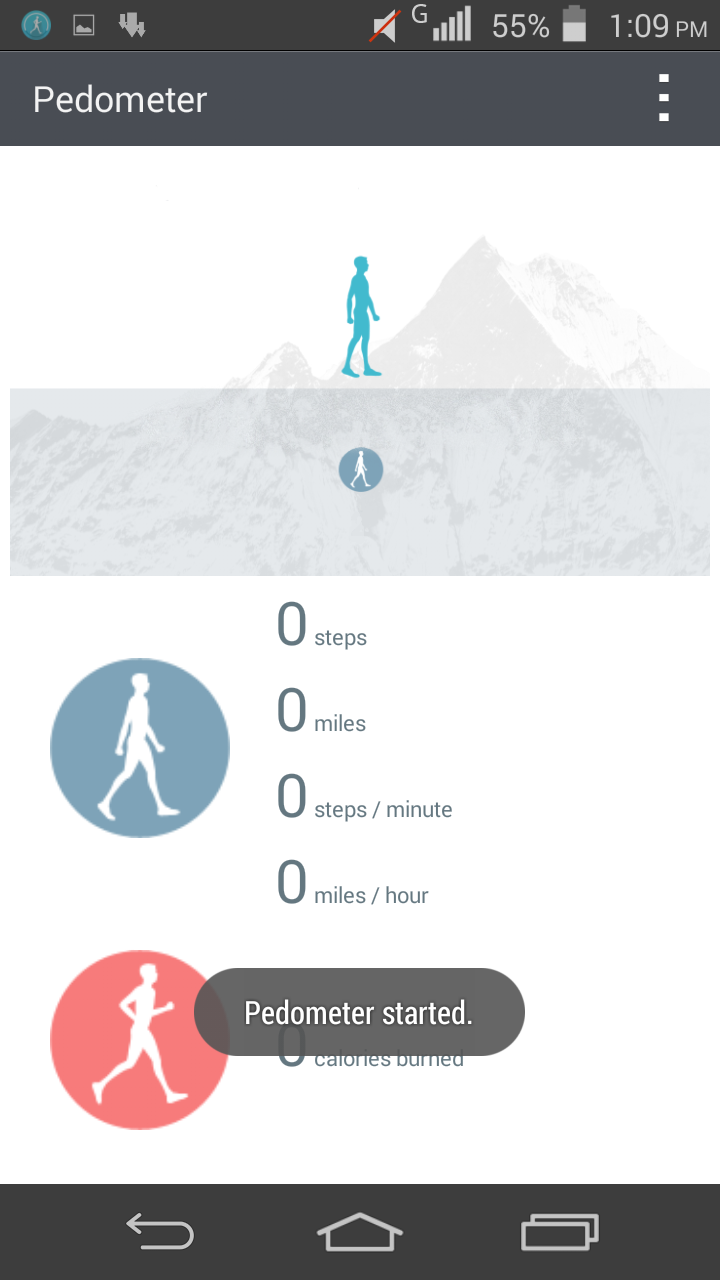
->health app
and many more


LINK:   https://adf.ly/1KF90y


Procedure:

1.install cwm recovery if you haven't from older posts
2.Goto recovery by pressing volm up and power butter when mob is off
3.click and conform 'wipe factory reset'
4.click 'advanced' :then click 'wipe davlink cache and battery stats'
5.click 'mount and storage' and format 'system'
6.choose 'install zip from sd card' and  select downloaded file
7.wait (IGNORE ERROR ABOUT BOOT IMAGE IF SHOWN IN CWM WHILE FLASHING)
8.reboot and enjoy


Screenshots


Tuesday, 31 March 2015

Hive ROM for Micromax Canvas A190 and rx2

[Rom][link]4.4.4 Hive ROM for Micromax Canvas A190 and rx2 

Features:

Full hive ui
Not themed ,its ported
Gesture support
Nice lock screen
Full hive support
Themable
26000+on new antutu benchmark
I will say one thing - ui is super


Procedure:

1.install cwm recovery if you haven't from here  https://adf.ly/1KF8L8
2.Goto recovery by pressing volm up and power butter when mob is off
3.click and conform 'wipe factory reset'
4.click 'advanced' :then click 'wipe davlink cache and battery stats'
5.click 'mount and storage' and format 'system'
6.choose 'install zip from sd card' and  select downloaded file
7.wait (IGNORE ERROR ABOUT BOOT IMAGE IF SHOWN IN CWM WHILE FLASHING)
8.reboot and enjoy


Link:  https://adf.ly/1KF8jZ


SCREENSHOTS: